
Download AkelPad Portable – text editor, lightweight, portable, multitab, recent files, customizable formatting, plugin support
Overview
AkelPad Portable is a streamlined, no-installation text editor designed for users seeking a fast and efficient alternative to the default Windows Notepad. Built with portability in mind, it allows users to carry a fully functional text editing environment across devices without leaving traces on the host system. The app targets individuals who frequently work with plain text files, including developers, writers, system administrators, and students who value speed, simplicity, and consistency across different computers.
Its core purpose lies in enhancing basic text editing through features like multitab support and recent files access, which reduce workflow interruptions and improve task continuity. By enabling users to manage multiple documents in a single window, AkelPad Portable helps maintain focus and minimize window clutter. The lightweight design ensures quick startup times and minimal system resource usage, making it suitable for older or low-spec machines.
Although the developer did not provide additional technical details, the app’s release date of October 24, 2024, suggests recent development and ongoing support. Its presence in the productivity category reflects its role as a utility tool that complements more complex software by offering a minimal yet powerful interface for quick edits, code snippets, configuration files, and note-taking. In the broader app ecosystem, AkelPad Portable fills a niche for users who prioritize efficiency and privacy without relying on cloud-based solutions.
Key Features & Functionality
- Multitab Mode: Enables users to open and switch between multiple text files within a single window, reducing the need to juggle separate instances. This is especially useful when comparing code, editing configuration files, or organizing research notes.
- Recent Files Access: Provides a built-in command to quickly reopen previously edited files. This feature saves time during recurring tasks, such as reviewing logs or continuing work on a script after a break.
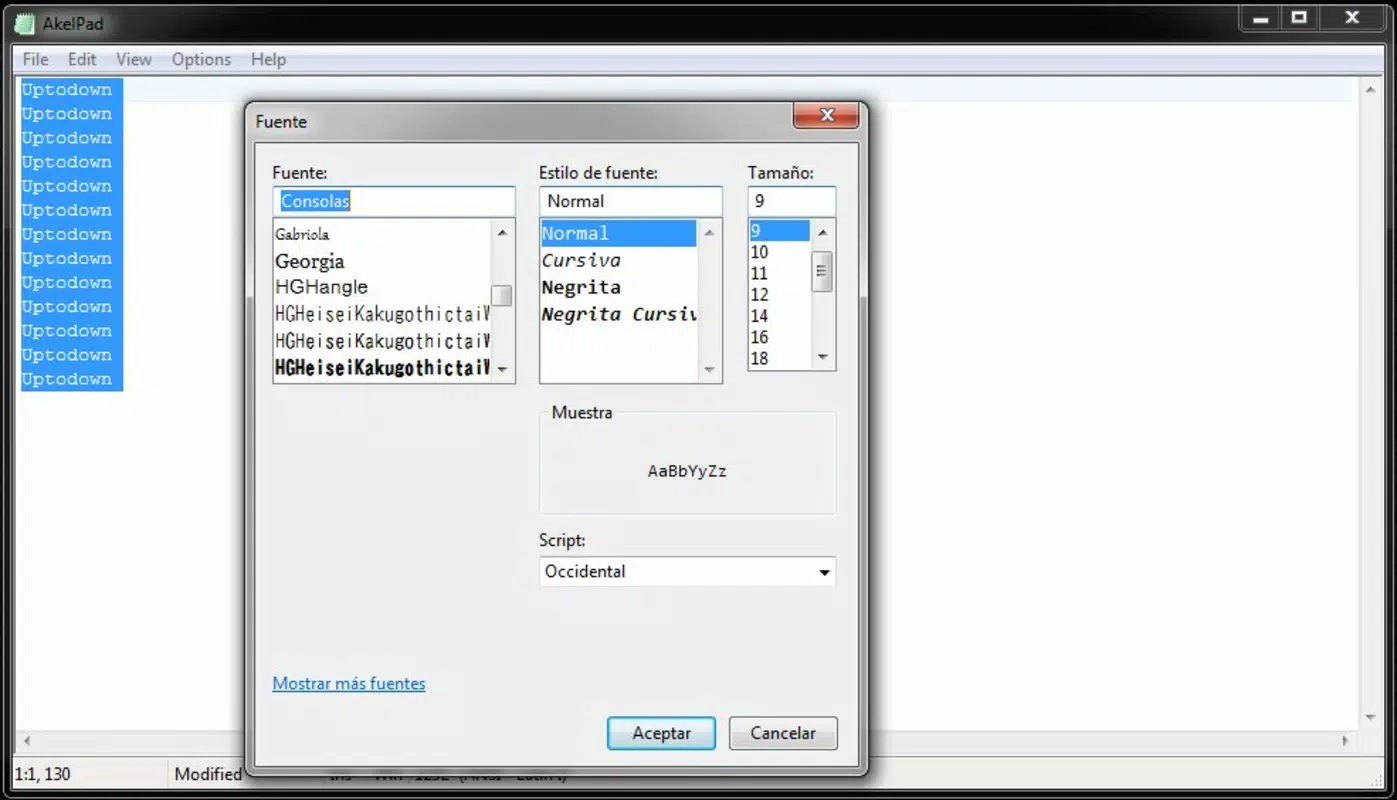
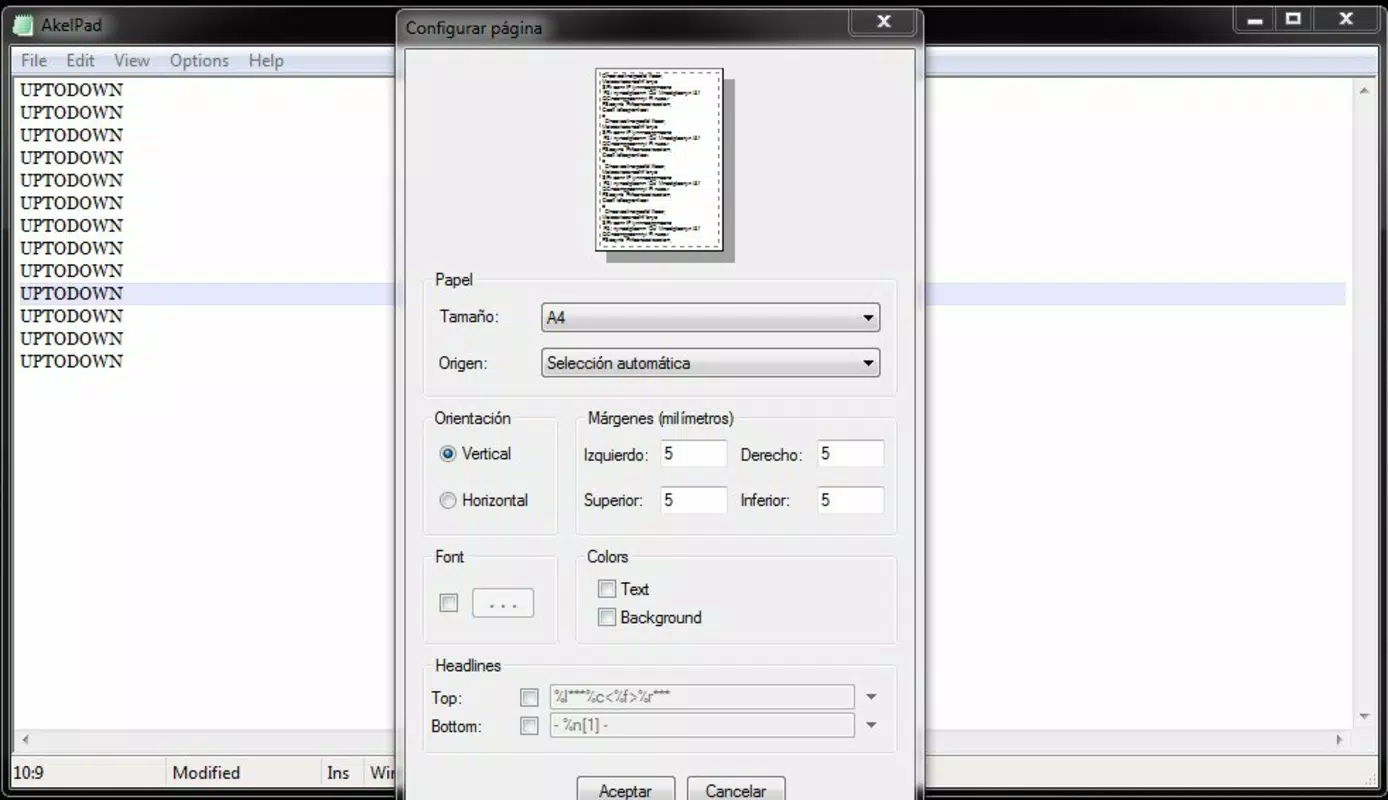
- Customizable Formatting: Allows users to adjust font type, size, color, and background, supporting personalized reading and editing environments. The inclusion of a reading mode further enhances focus by minimizing visual distractions.
- Plugin Support: Offers extendable functionality through third-party plugins, enabling users to add features like auto-save, full-screen mode, syntax highlighting, or file encryption based on specific needs.
- Complete Portability: The application runs directly from a USB drive or external storage without requiring installation. This makes it ideal for use on public computers, shared workstations, or personal devices where software installation is restricted.
These features collectively support real-world workflows such as writing code on the go, editing configuration files in a lab environment, or maintaining personal notes across multiple machines. The ability to carry the app and its settings on a portable drive ensures consistent access and editing experience regardless of the host system.
Real-World Use Cases
For developers, AkelPad Portable offers a lightweight environment for writing and testing small scripts without the overhead of full IDEs. System administrators can use it to edit configuration files on remote or locked-down machines. Writers and students benefit from its distraction-free reading mode and quick access to past documents. The portability feature is particularly valuable in educational settings or collaborative workspaces where users may not have admin rights.
Interface, UX & Performance
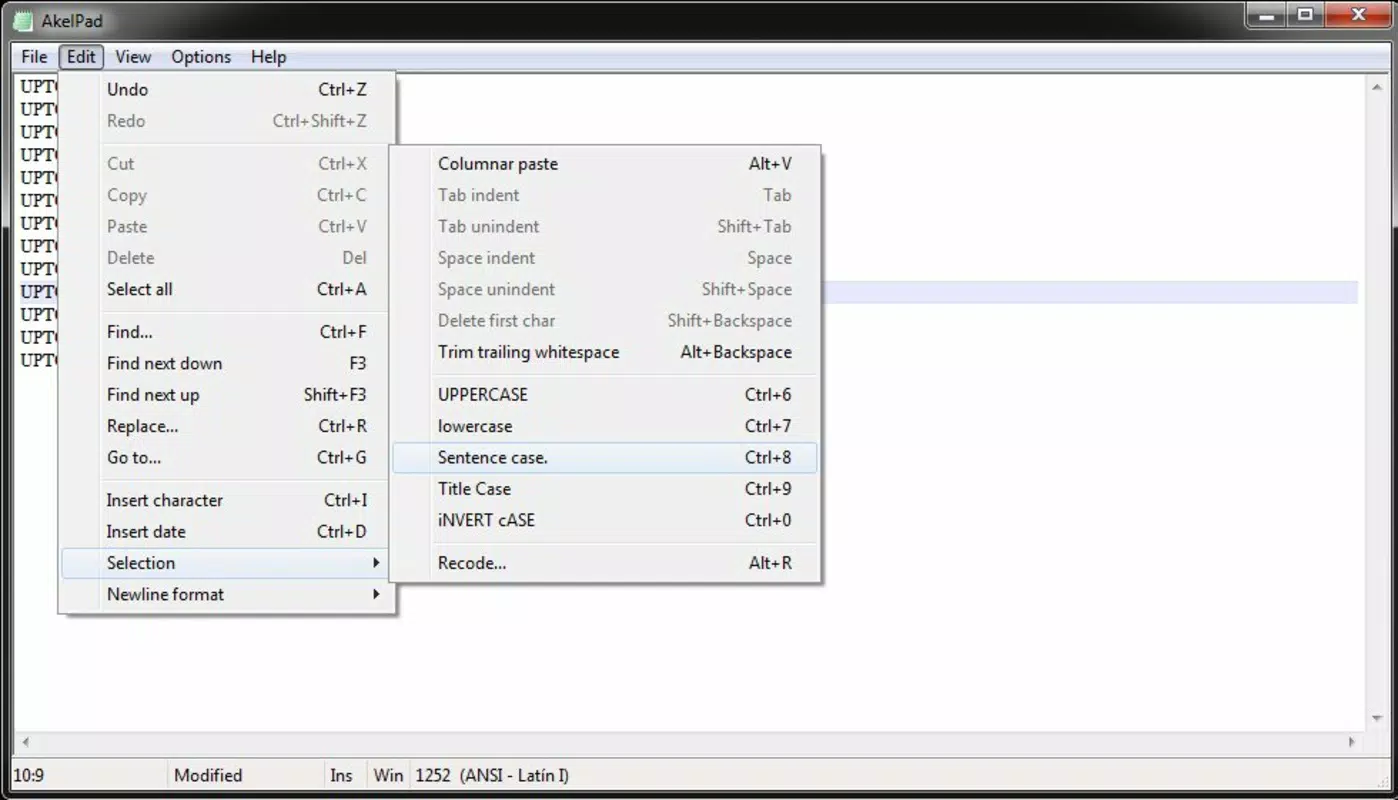
The interface of AkelPad Portable is clean and minimal, focusing on functionality without unnecessary visual elements. The layout centers around a main editing area with a tab bar at the top, allowing users to view and switch between open files. Navigation is intuitive, with standard keyboard shortcuts and context menus that align with common Windows editing behaviors.
Although the developer did not list formal performance metrics, the app’s small file size of 1.5 MB suggests optimized code and efficient memory usage. It starts quickly and responds promptly to user input, even on older hardware. The app maintains stability during extended editing sessions, with no reported crashes or freezes in available documentation.
Responsiveness across different device categories remains consistent due to its lightweight architecture. The UI scales appropriately on standard and high-DPI displays, ensuring readability. While no official compatibility details were provided, the app is designed for Windows, indicating broad support across recent versions of the OS.
Platform Compatibility & Technical Requirements
AkelPad Portable is designed for the Windows platform and is compatible with various versions of the operating system, though specific requirements were not listed. The app is distributed as a single executable file, eliminating the need for installation or registry modifications.
The file size is 1.5 MB, which reflects its lightweight nature and efficient design. This small footprint makes it ideal for use on devices with limited storage or slower processors. The application runs directly from a USB drive or external storage, enabling seamless use across different machines without leaving behind temporary files or cache.
The developer did not specify minimum OS requirements, so users should ensure their system meets general Windows compatibility standards. No additional dependencies or runtime environments are required, simplifying deployment across diverse environments.
Pros and Cons
Pros
- Lightweight and fast startup, ideal for low-resource systems
- Complete portability—runs from USB drives without installation
- Supports multitab editing for improved workflow efficiency
- Quick access to recently opened files for continuity
- Customizable text appearance and reading mode for better focus
- Extensible via plugins to add advanced features
- Free to download and use with no hidden costs
Cons
- Specific OS compatibility details were not provided
- No built-in syntax highlighting or advanced code features
- Plugin functionality depends on external sources and user discretion
- Limited to Windows platform; no support for Android or iOS
- Minimal visual customization beyond font and background
FAQ
Is AkelPad Portable safe to download and use?
Yes, AkelPad Portable is a free, standalone application that does not require installation. It is distributed directly by the developer and does not include malware or adware. Users should download it from official sources to ensure security.
Can I use AkelPad Portable on multiple computers?
Yes, the portable design allows you to run the app from a USB drive or external storage on any Windows machine. Your settings and open files remain accessible as long as the drive is connected.
Does AkelPad Portable support syntax highlighting?
Not natively. The app does not include built-in syntax highlighting. However, users can extend functionality through third-party plugins if needed.
Is AkelPad Portable available for Android or iOS?
No. AkelPad Portable is currently designed only for Windows. There is no official version for mobile platforms.
How do I update AkelPad Portable?
Updates are released by the developer periodically. Users should check the official website for the latest version and replace the existing executable file with the new one on their portable drive.
Final Thoughts
AkelPad Portable stands out as a reliable, no-frills text editor for users who value efficiency, portability, and simplicity. Its multitab interface, recent files history, and customizable formatting make it a practical tool for developers, students, and professionals managing plain text tasks. The ability to carry the entire editing environment on a USB drive ensures uninterrupted workflow across different devices, especially in restricted or shared computing environments.
While it lacks advanced features like syntax highlighting or built-in code completion, its lightweight nature and plugin support offer room for customization. For users seeking a secure, free, and portable alternative to standard text editors, AkelPad Portable delivers strong value with minimal overhead.
Download AkelPad Portable now


